
Incubator Backup Power Options
How to choose and calculate backup power systems, including UPS, battery stations, and generators, for power outages.
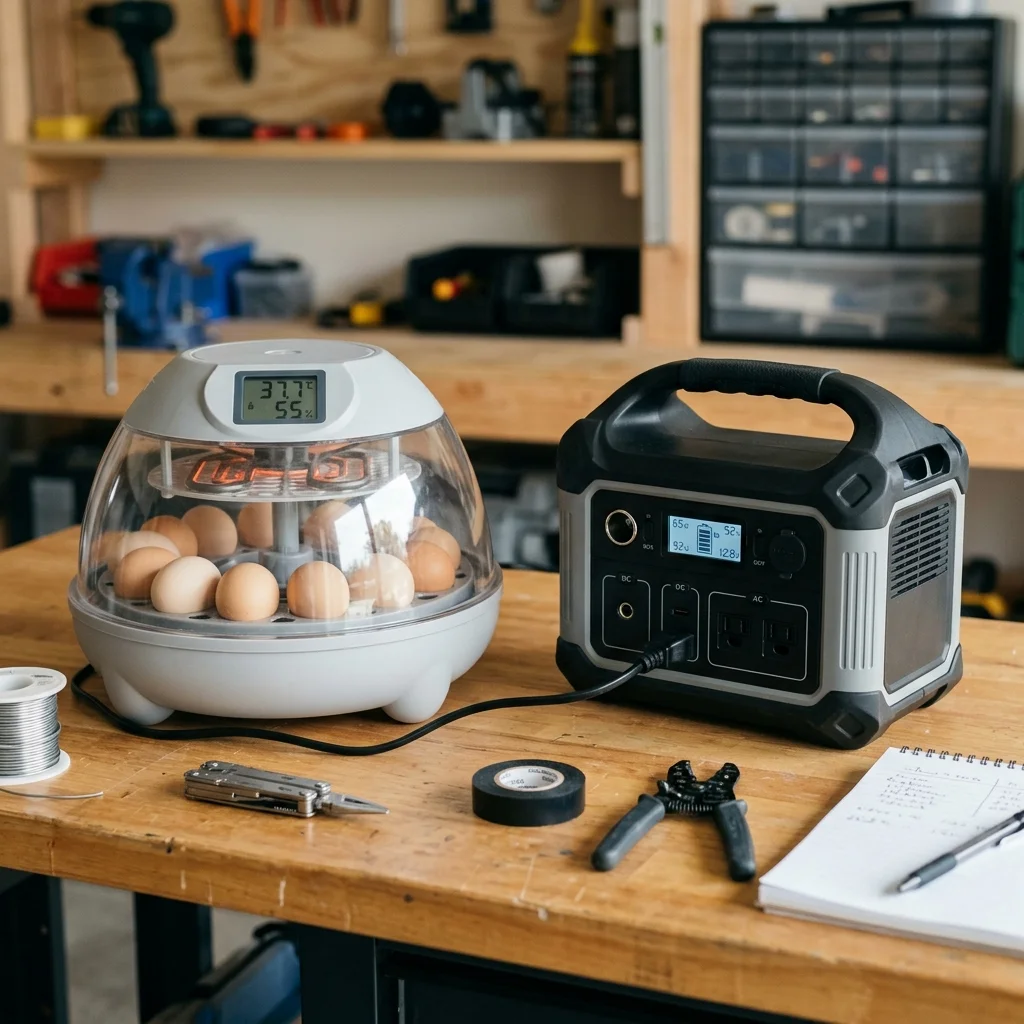
Show the emergency plan before power fails.
The risk-planning stage, where a quiet backup plan can prevent panic during a storm.
Read Outage GuideQuick Answer
To protect your hatch from power outages, choose a Pure Sine Wave portable power station or a dedicated UPS. A tabletop incubator typically draws 30–50W of average power, meaning a 500Wh portable battery can run it for 8–12 hours. Avoid cheap Modified Sine Wave inverters which can ruin digital thermostats and fan motors. If power fails, keep the incubator lid closed to conserve thermal energy, cover the unit with a wool blanket leaving the air vents open, and practice the power transition before Day 1 of the hatch.
What matters most
What this page helps you decide
This emergency planning guide helps you select and test a backup power option for your incubator. The decision is choosing between short-term UPS units, portable battery power stations, and fuel-powered generators. Prepare your contingency plan before storm seasons or grid issues threaten active sets.
- Choose a portable power station (500Wh+) if you live in an area prone to multi-hour outages.
- Use a standard computer UPS to buffer brief voltage drops or short power flickers.
- Never run a fuel generator indoors; plan outdoor routing cords in advance.
Calculate Your Power Needs
An incubator's heater cycles on and off. The wattage printed on the label is the peak draw when the heater is active (typically 60-120W for tabletop units), but the average draw is much lower (30-50W). Calculate your required battery capacity (Watt-hours) based on this average draw.
- Formula: Average Watts x Desired Hours = Required Watt-Hours (Wh).
- Example: A 40W incubator running for 10 hours requires a 400Wh battery.
- Add a 20% safety margin to account for inverter conversion inefficiency.
- Unplug automatic turners during outages to reduce power consumption if capacity is low.
Portable Power Stations vs UPS
Portable power stations (Lithium battery banks with built-in inverters) are the cleanest, safest backup for indoor incubators. Computer Uninterruptible Power Supplies (UPS) are designed to save files and shut down PCs; they will only run an incubator for 1 to 2 hours.
- Pure Sine Wave: Essential for incubator electronics; modified sine wave can overheat fan motors.
- Pass-through charging: Look for power stations that can act as an active UPS (always plugged in).
- Solar integration: Some battery stations support solar panel inputs for long outages.
Passive Insulative Buffering
If no backup power is available, use thermal insulation. A closed incubator holds its heat for 1 to 2 hours. Wrap the incubator in wool blankets or place it inside a cooler, but always leave the ventilation holes open so embryos can breathe.
- Never cover air vents; embryos will suffocate from carbon dioxide build-up within hours.
- Fill plastic bottles with hot water from a gas stove/grill and place them around the outside of the incubator (never inside).
- Keep the lid closed; every lid check releases valuable trapped heat.
Reviewed against extension and veterinary sources. Adjust to your incubator manual and local conditions.